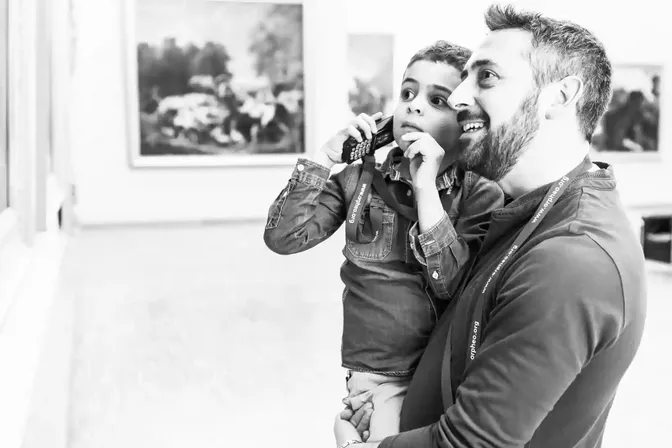
You have a story to tell, and you want the participants in your city walk or the visitors to your exhibition to hear impressive audio at certain points, without a personal guide. The goal: your guests enjoy a memorable experience at their own pace. In this article you can read, step by step, how to make an audio tour, based on the popular Orpheo Mikro LX audio guides.

Step 1: decide what you want to tell
As with anything, it is wise to decide beforehand what you want to tell or play. Think of the texts, but also of sound clips and effects. Recorded texts can be given background sound or music. A major added value is the option to record texts in several languages or at several levels, for example for children and adults.
Step 2: decide where and how the stories start
Decide at how many and at which points you want something to be heard, and how the clips start. That can be done manually: the visitor keys in the number shown next to an object. It can also be partly or fully automatic: the story starts by itself when the visitor reaches an object or enters a zone. Then the visitor does not have to think about the audio guide at all.
Step 3: have the audio produced
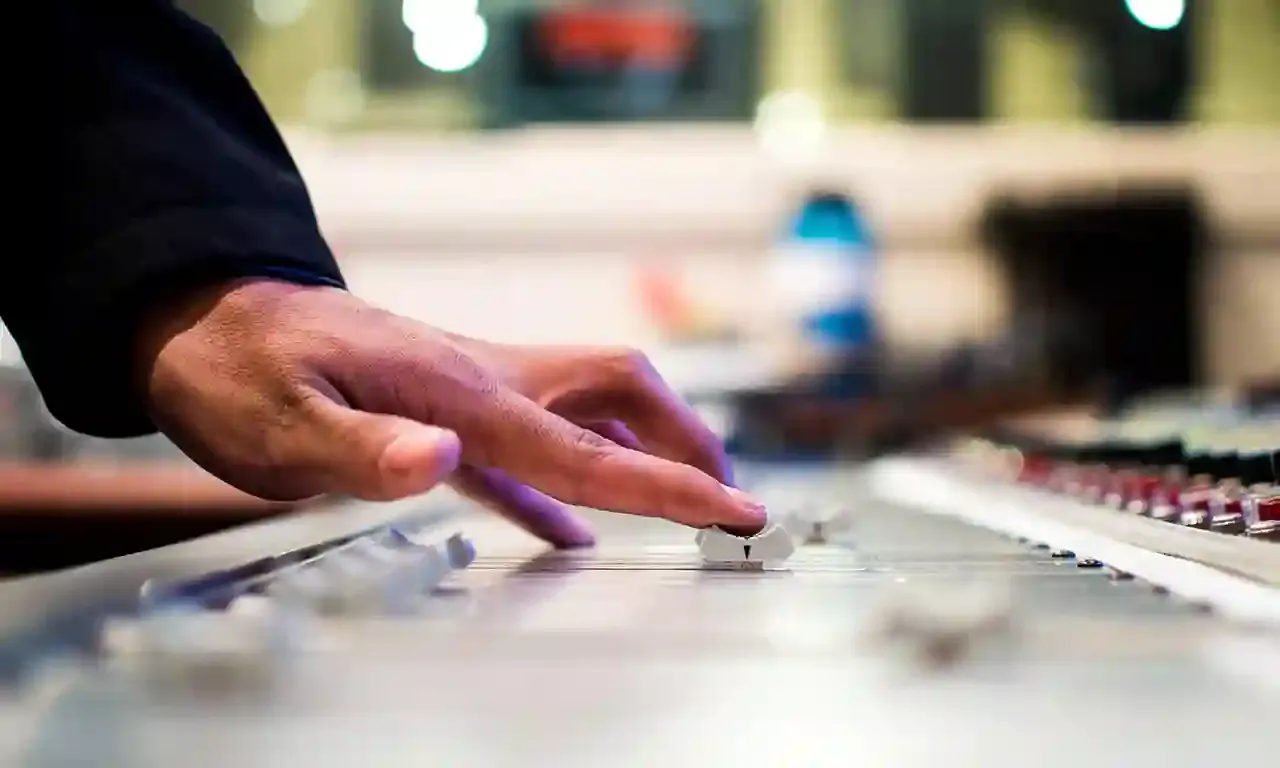
Now that the structure is in place, it is about the audio clips themselves. Whether you make them yourself or we help you often depends on the duration of the exhibition or event. For a permanent exhibition, professional recording is the more obvious choice.
Voice recording is a real craft. That is why we only work with professional voice actors who are native speakers. An audio tour stands or falls with the quality of the recorded texts: not too long and engagingly delivered, so the visitor stays with it. Also read how long an audio story should be and why a voice actor makes the difference.
Step 4: load the tour onto the audio guides
We prepare the first audio map (the so-called soundmap) for you. After that, you adjust everything yourself in GuideXpresse Manager, simply in your browser: routes, running order, languages and audio files.
Making an audio tour in a nutshell
- What do you want people to hear?
- Where do you want them to hear it?
- In which languages and at which levels?
- How should the clips start: manually or automatically?
- Who produces the audio?
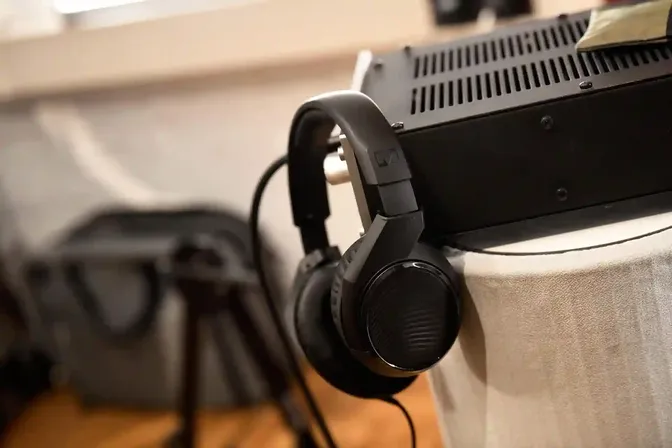
- Do visitors listen through headphones or through the built-in speaker?
- Do you want to rent or buy?
- What is your budget?
The Orpheo Mikro LX is hugely popular thanks to its balance of price, quality and functionality. Want to read it all again at your leisure? Take a look at the brochure The perfect audio tour.
Updated on
Stay up to date
Every now and then, the news from GuideXpresse in a single email: museum guides, tour guide systems, software, service and voice-overs. Short and no more often than needed.
 References