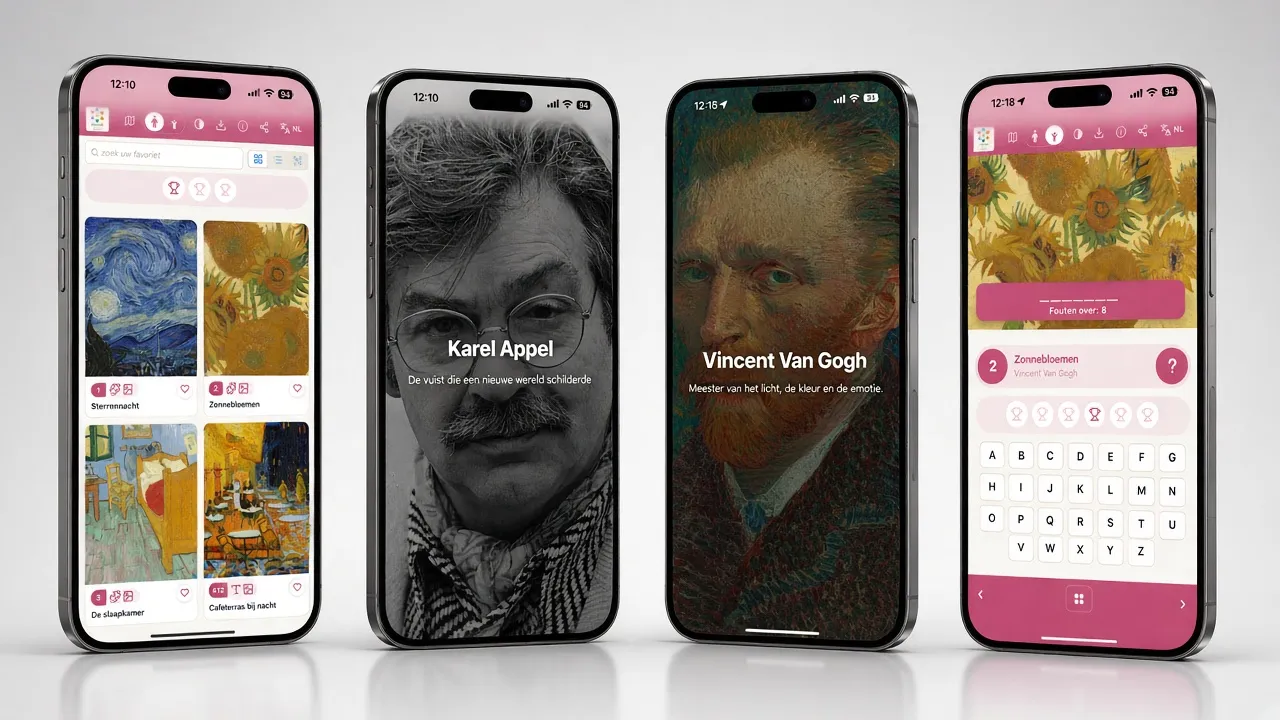
How do you turn a museum visit into an experience that visitors remember long after they leave? With infotainment.guide, the interactive museum app we developed together with museums. It is an audio tour, a games box and a measuring tool in one. What's more, the app simply runs in the browser on the visitor's own phone. In this article, you'll read what the app does, who it is for and how easily you manage the content yourself.
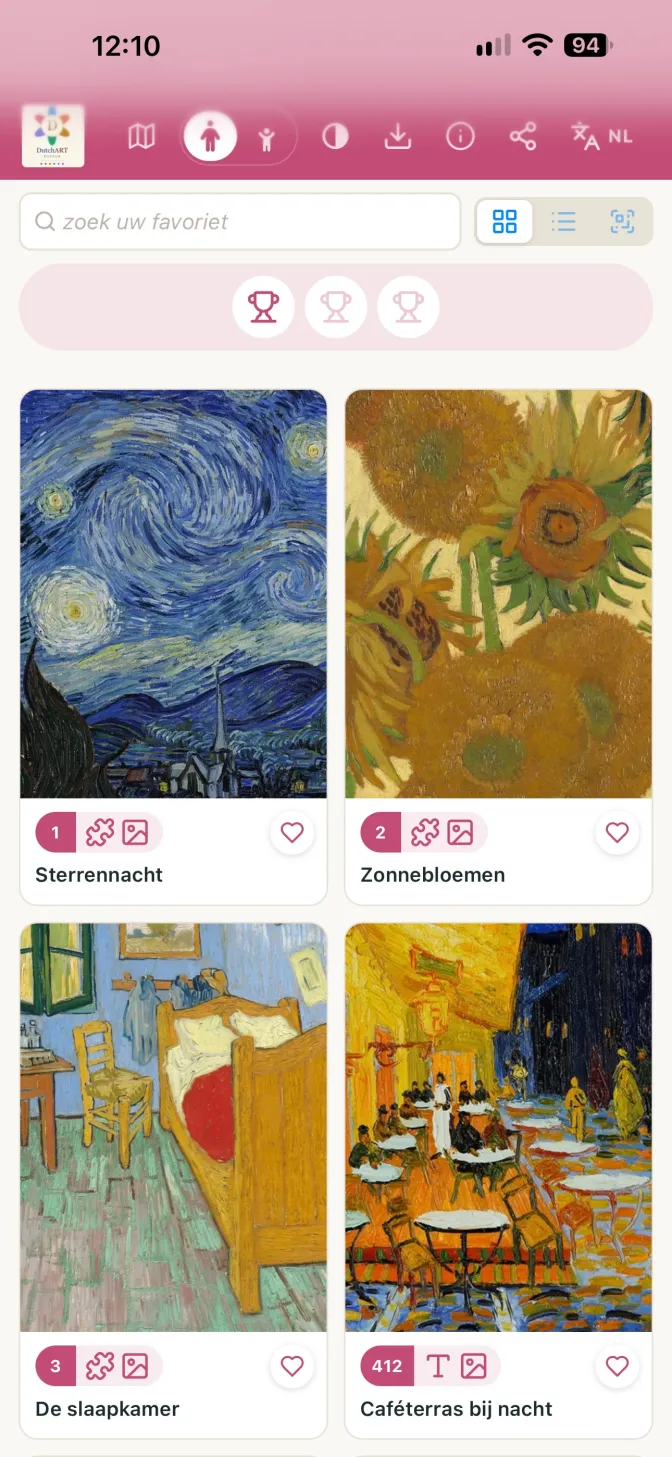
What is the interactive museum app for?
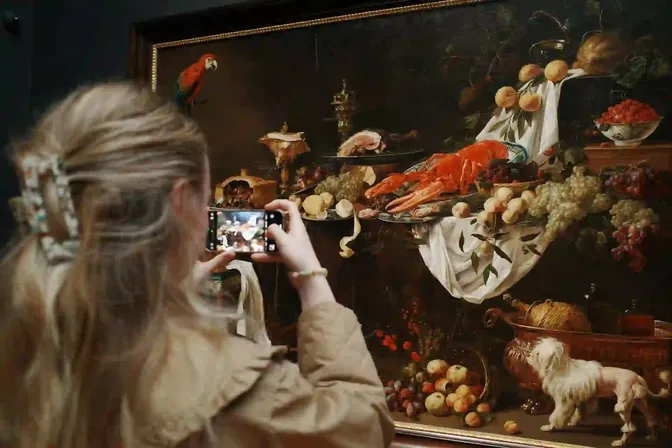
We made infotainment.guide for museums, castles, visitor centres, exhibitions and outdoor sites. In short: for any place with a story to tell. Visitors open the app on their own smartphone and choose a tour. Then, at every stop, they hear, read and see the story you want to tell. In this way, the app replaces or enriches a classic audio tour with photos, video and play.
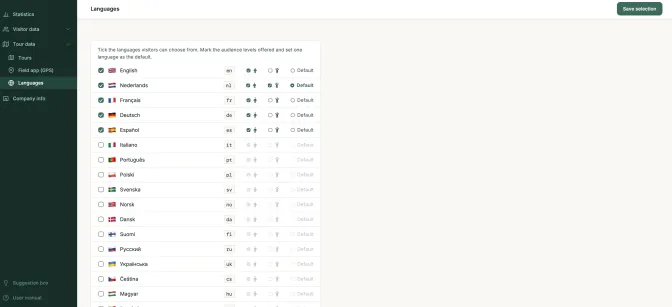
You can create as many tours as you like, in as many languages as you like. There is no limit. So your permanent collection, a temporary exhibition and a special route for schools can sit side by side.
A PWA: no download from the App Store
The app is a PWA, a progressive web app. Nobody has to install a PWA. Visitors scan a QR code or type in the address, and they are in. Even so, the PWA feels like a real app. With one tap, visitors add the museum app to their home screen, and it also works offline. That is handy in cellars, castle halls and rural areas where the signal is poor. Would you like to know more about choosing between a PWA and a regular app? Then read Tourist apps: PWA or dedicated app?
Four ways to move through the audio tour
Every museum works differently. That is why visitors can open a stop in four ways:
- Enter your number: the visitor types the number shown next to the object.
- List view: all stops in a row, with a photo, to pick from freely.
- QR code: a scan at the object opens the right story at once.
- GPS: on an outdoor audio tour, the story starts by itself as soon as the visitor is nearby.
For these GPS tours there is a separate field app. With it, you walk the route yourself and record each stop on the spot, accurate to within a few metres. After that, you take a test walk to see when each story starts. Even without a signal, nothing gets lost, because the app keeps everything until it is back online.
Seven games in the museum app
People learn better when it is fun. That is why the interactive museum app already has seven games. You switch them on per stop and fill them with your own photos and texts:
- Quiz: questions about what the visitor has just seen.
- Jigsaw puzzle: a work of art in pieces, to put back together.
- Memory: find the pairs from the collection.
- Hangman: guess the word before the photo fades away.
- Match: connect the things that belong together.
- Mismatch: which photo is the odd one out?
- Orderly: put the works in the right order of time.
Anyone who plays a game earns a badge. As a result, young visitors stay keen right up to the last room. They also remember more of what they saw, because they did something with it themselves.
Separate tours for children and adults
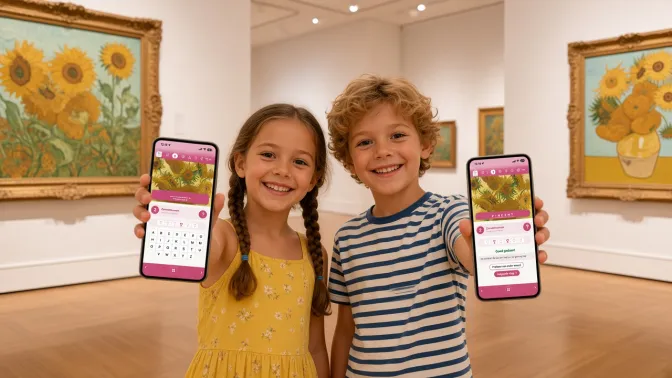
An eight-year-old wants a different story from a sixty-year-old art lover. For this reason, the museum app makes a clear split between adults and children. For each stop, you can create a children's version of the audio tour, with its own text, its own audio or even a game instead of a story. Alternatively, you can show a stop to adults only.
Parents link their child's phone with a QR code of its own. The child then sees only the children's tours. Does a tour have sensitive content? Then set it to adults only, and a child cannot open it anywhere.
Your own house style, beautifully designed
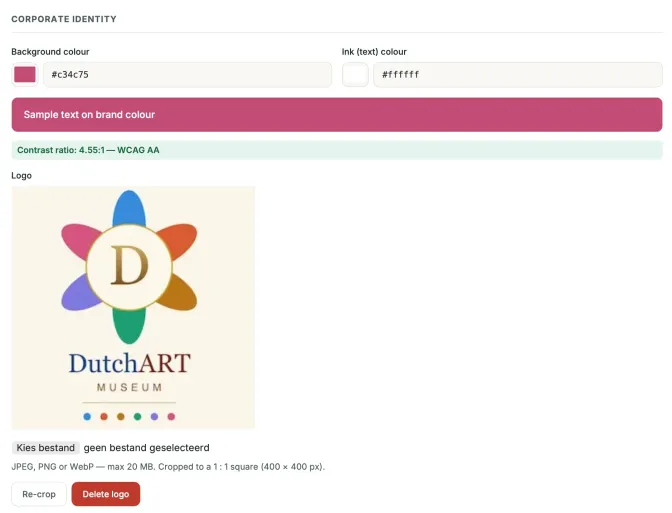
An app that looks cheap does your collection a disservice. That is why the design of infotainment.guide is calm, modern and polished down to the last detail. Think of an audio player that takes its colour from the photo, and of smooth transitions. Your logo and house style run through the whole app, right up to the icon on the visitor's home screen. As a result, the app feels like part of your museum, not like something from outside.
Statistics from your museum app
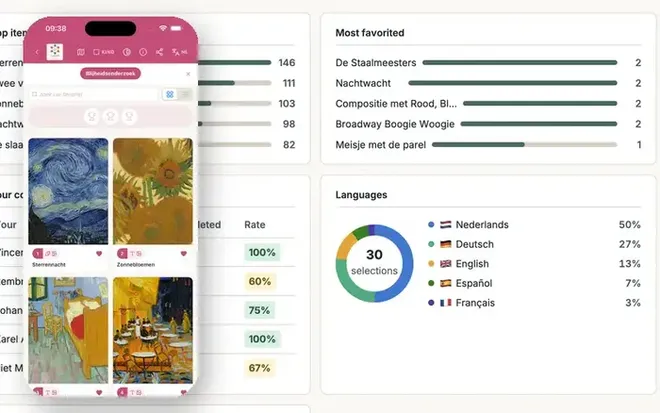
What do visitors actually do with your stories? In the interactive museum app, you can see it at a glance. The statistics show the number of visitors per day, the busiest hours and the languages they chose. You can also see which stops get the most listens, which are favourites and how many visitors finish an audio tour. With one click, you turn any overview into a PDF for your board or funder.
In addition, you measure how happy visitors are. At the end of the visit, the happiness survey briefly asks about their experience. With your own surveys, you can also ask any question you like. As a thank-you, you can offer a reward, such as a discount in the museum shop or a free cup of coffee or tea in the museum restaurant. On top of that, the app has a suggestion box. Visitors send their tips to the museum there, and museums send their ideas to us.
A summary after the visit
The story does not have to end at the exit. Before their visit, visitors choose whether they would like a summary by email afterwards. It lists what they saw and what they still missed. That is a great reason to come back. Anyone who wishes can also sign up for news about new tours.
Backstage: managing content without the hassle
All of these features only add value if managing them is simple. That is why you work in backstage, the clear admin screen of the museum app. Adding a new stop to your audio tour takes a title, a text, a photo and an audio file. Straight away, you see a preview of how it looks on a phone. What's more, a checklist per tour shows what is still missing, for each language.
Backstage also handles the technical work behind your museum app. The system converts photos and audio to the right format by itself. After that, they are small enough to load fast, even during an offline visit with the PWA. So you don't need to know anything about pixels or bitrates. Still looking for a voice for your audio? Find a voice actor who suits your story. Or first read how to make an audio tour.
Asgard, Valhalla or Midgard: something for everyone
Every museum is different, and so is the way it likes to pay. Infotainment.guide offers three packages:
- Asgard: one fixed investment, with no cost per visitor. Ideal if you draw large numbers of visitors.
- Valhalla: no purchase price. You only pay €0.50 per visitor who uses the app, with a minimum per contract year.
- Midgard: for temporary projects, such as an exhibition or a festival. You pay a small amount up front and then per visitor.
With pay per visitor, you decide who bears the cost: the museum or the visitor. Every package comes with unlimited tours, unlimited languages and all the features of a PWA. See all packages at infotainment.guide.
Try the interactive museum app yourself
The best proof is the app itself. Open infotainment.guide on your phone and take a demo tour in the PWA. Would you like to know how the app fits your collection, your audience and your budget? Then we are happy to think along with you. and we will show you what the museum app can do for your visitors.
Disclaimer: AI placed all the photos in an attractive setting. The displays in the photos are, of course, real.
Updated on
Stay up to date
Every now and then, the news from GuideXpresse in a single email: museum guides, tour guide systems, software, service and voice-overs. Short and no more often than needed.

 References