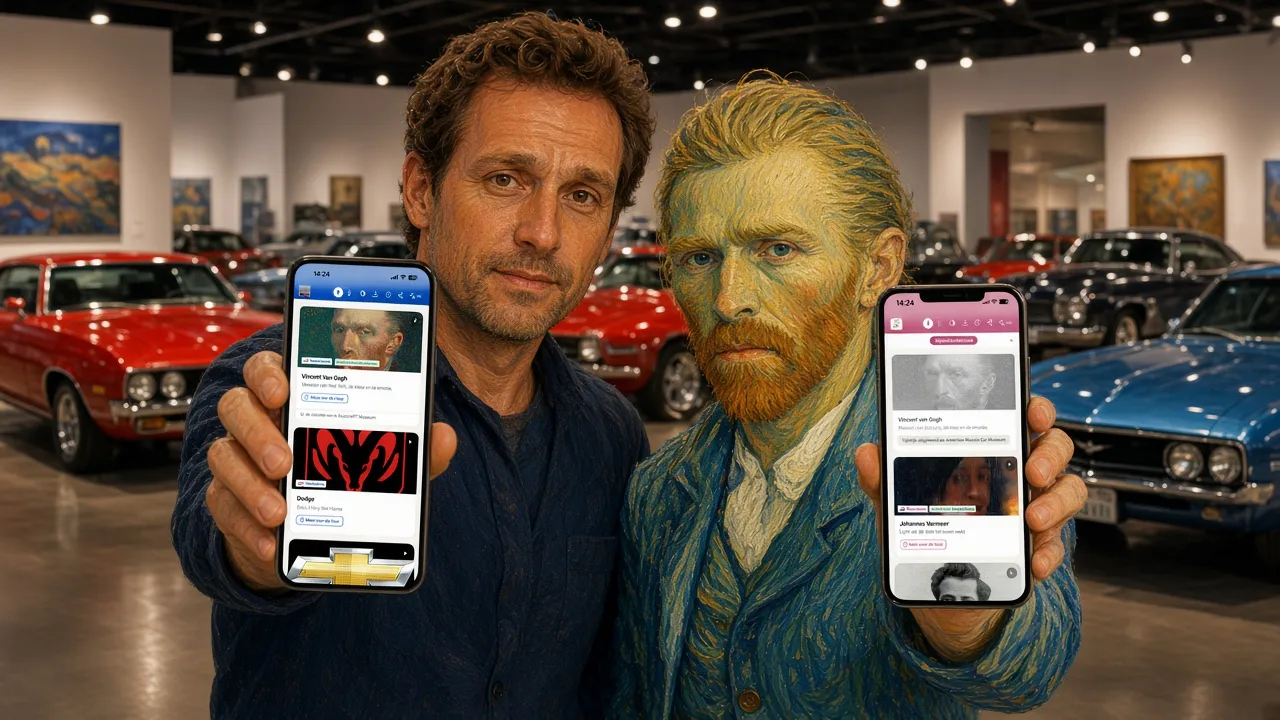
Putting a masterpiece on loan is perfectly normal in the museum world. But how do you take the story along with it? With infotainment.guide, you can now share collections with other museums, right inside the museum app. The borrowing museum shows your tour in its own app, and you decide what visitors get to see. In this article, you'll read how it works and why it saves you time and money.
Why share collections with another museum?
Museums work together more and more. They lend each other artworks for an exhibition, create a joint route through the city or run several branches. Even so, until now every museum made its own audio tour. The same texts, the same photos and the same recordings, paid for twice and kept up to date twice. There is a smarter way.
When you share a collection in infotainment.guide, you make the tour only once. The other museum then simply shows it in its own museum app, in its own house style. Do you change something as the owner? Then the visitor at the other museum sees the new version right away. As a result, there is only ever one version of the story.
How to share collections in backstage
You share a tour from backstage, the admin screen of the museum app. It takes three steps:
- Choose what to share: the whole tour or just a few stops.
- Find the museum: type part of its name or city and pick it from the list.
- Choose the notices: tick what visitors see and send the invitation.
The other museum receives an email and accepts the invitation with one click. From that moment on, the tour appears in its overview. Want to stop? Then you withdraw the share just as easily.
Loans in the museum app: two smart tick boxes
With a real loan, you want two things. First, everyone should know whose work it is. Second, you don't want your own visitors searching for something that isn't there for a while. That is why you tick two boxes yourself when you share collections.
From the collection of your museum
With the first box, a fixed line appears below the tour card in the app of the borrowing museum. It reads From the collection of, followed by the name of your museum. The borrowing museum cannot remove it. In this way, you always get the credit, even far beyond your own walls. What's more, that line makes visitors curious about your museum.
Temporarily on loan
With the second box, the tour stays visible in your own app, but in grey. Next to it, visitors read Temporarily on loan to, with the name of the other museum. So your visitors understand right away what is going on, but they cannot open the tour. Likewise, a QR code next to an empty spot on the wall no longer leads to a work that isn't there. Does the collection come back? Then you untick the box, and the tour is ready for everyone again.
Share collections between sister venues
Not every partnership is a loan. Sometimes a museum has several branches, or two museums work closely together. Then above all you want no double work and no duplicate information. Here too, the smartest choice is to share collections. In that case, simply leave both boxes unticked. Visitors then see a tour like any other, without notices. That way you build one strong library of stories together, while each venue keeps its own app.
Share a few stops or the whole collection
You don't have to share everything. Are you lending just three paintings? Then share only those three stops. The other museum sees exactly those stops, with all the text, audio, video and games that belong to them. If you share the whole tour, your own version can turn grey during the loan. For part of a tour, however, that option is off on purpose. After all, half a tour in grey would only confuse visitors.
What does it bring your museum?
- Lower costs: you make a tour once, instead of two or three times.
- More reach: your stories also reach the visitors of other museums.
- Always the credit: thanks to the fixed line, everyone knows whose work it is.
- Peace of mind for your visitors: a grey tour explains what is away for now.
- One version: if you change something, every visitor sees the latest text at once.
- All languages: every translation comes along, including the children's version.
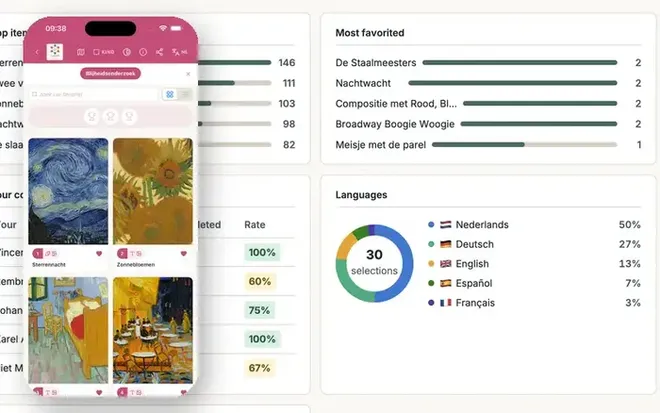
In addition, everything you know from the museum app keeps working. Think of the seven games, the separate children's tours, the statistics and the offline PWA. Read more in our article about the interactive museum app infotainment.guide.
Try it yourself and share collections
Curious what a shared tour looks like? Open the infotainment.guide demo on your phone and walk a tour in the PWA. Or plan a call with us. Then we'll show you how to share collections with a partner, a sister venue or a museum on the other side of the country. and discover what working together in the museum app can do for your museum.
Updated on
Stay up to date
Every now and then, the news from GuideXpresse in a single email: museum guides, tour guide systems, software, service and voice-overs. Short and no more often than needed.


 References